

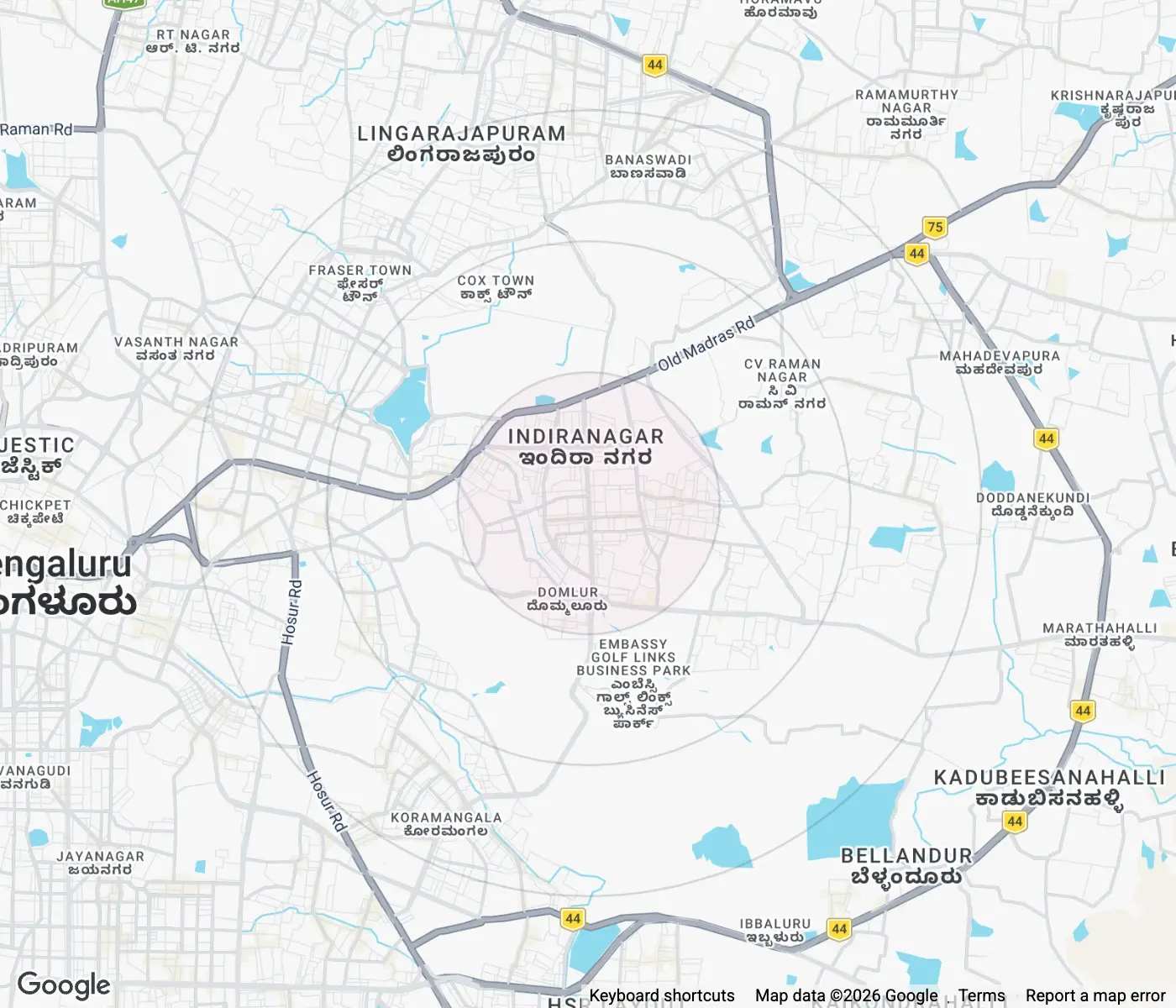
Campaign dates and local demand
Campaign window: to . Verify local fasting practices and festival dates with your community.
Search phrases to check near your location
- Navratri restaurant menu near me
- festive clothing store near me
- Dussehra salon appointments
These are example phrases. Check the terms your customers actually use.
Campaign examples
A fasting-friendly menu customers can actually inspect
Restaurant · Show ingredients, preparation policy, price and serving hours. Do not describe a dish as suitable for every fasting tradition.
Navratri thali available 11-20 October. View the menu and reserve your table.
An outfit edit for a specific celebration
Fashion retailer · Group looks by occasion and stock availability. Add fitting hours and the nearest store rather than hiding the buying information in a caption.
Your garba-night outfit, ready to try. Explore our festive edit and visit the store.
Bookable appointments before the final rush
Salon · Promote real appointment windows and a clear service package. Confirm the booking channel before scheduling reminders.
Celebration-ready hair and makeup. Check available appointments before Dussehra.
Seven-day campaign checklist
Start earlier if the offer needs pre-orders, reservations or approvals.
Day 1
Check the local baseline: scan the location and relevant buying keyword.
Day 2
Verify holiday hours, services, booking links and website details.
Day 3
Choose one offer with clear availability and a real next step.
Day 4
Create branded videos, carousels and image posts with Gloo AI Studio.
Day 5
Approve a week, month or longer programme and schedule Instagram and GBP publishing.
Day 6
Respond to genuine reviews and answer recurring customer questions.
Day 7
Compare Maps visibility, website visits and enquiries against the previous period.
Prepare and approve location updates
Use the Google Business Profile, Website and Instagram agents included in your plan to prepare updates from confirmed local details. In the Weekly Plan, assign an approver before publishing and share progress on WhatsApp.